Docker Compose: Simplify Your Self-Hosting Stack Forever
If you’ve started exploring self-hosting, you’ve probably heard everyone talk about Docker. But there’s one tool that makes it 10x easier, and it’s the secret behind every smooth self-hosted setup: Docker Compose.
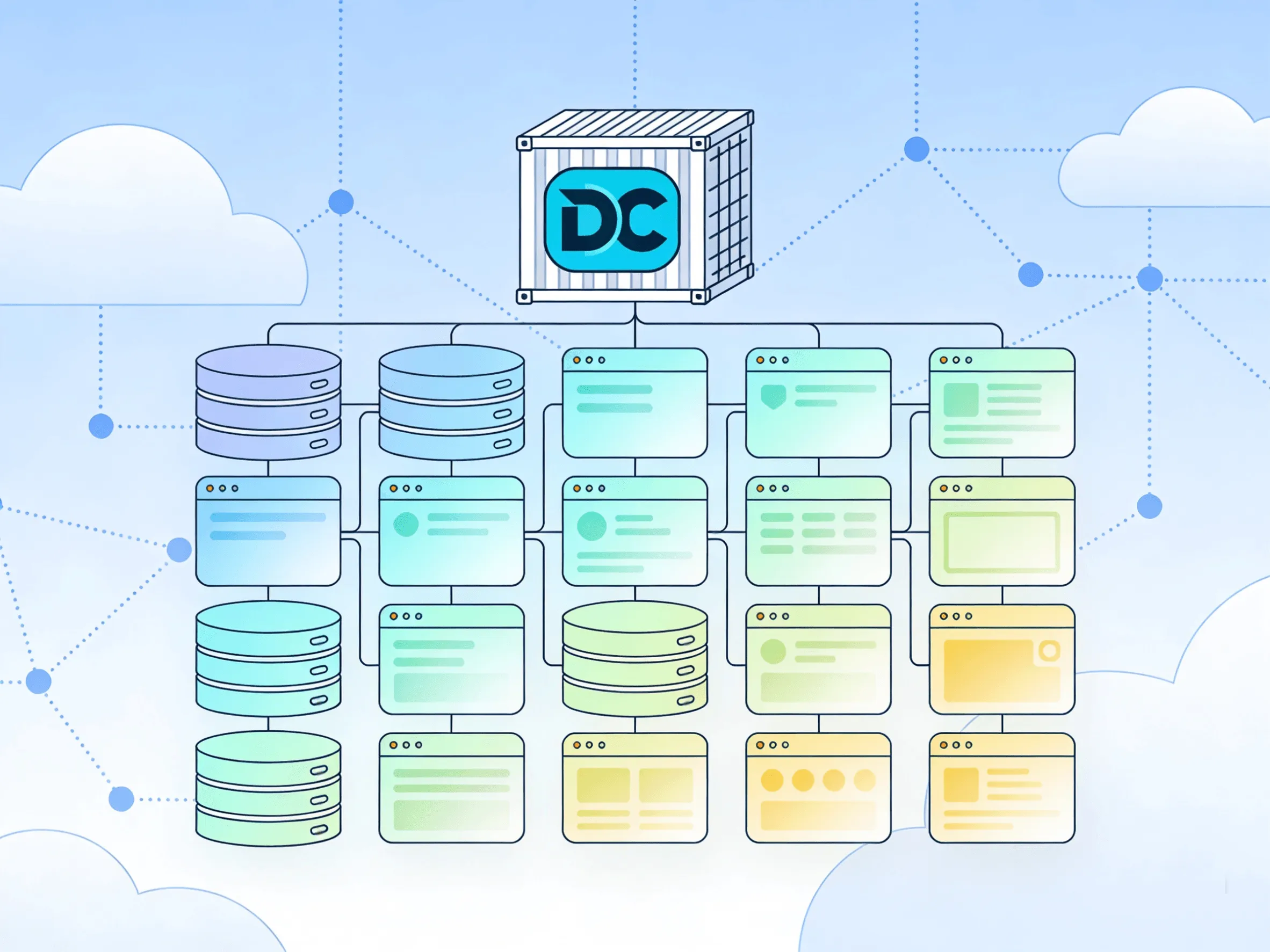
If you’ve started exploring self-hosting, you’ve probably heard everyone talk about Docker. But there’s one tool that makes it 10x easier, and it’s the secret behind every smooth self-hosted setup: Docker Compose.
This is exactly what I wish I knew when I ran my first server. It would have saved me weeks of broken configurations, messy updates, and late-night troubleshooting.
What Is Docker Compose, Exactly?
Let’s keep it simple:
- Docker lets you run apps in lightweight, isolated packages called containers. Each app has everything it needs: code, libraries, settings. So it works the same everywhere.
- Docker Compose is a tool that lets you define all your services, settings, networks, and volumes in one single file (
docker-compose.yml). Then, you start, stop, or update everything with one single command.
Before Compose, I was running long, messy terminal commands with 20+ flags, remembering port numbers, paths, and environment variables. One small typo, and nothing worked. Now? Everything lives in a clear text file I can back up, copy, or share.
Why It’s Essential for Self-Hosting
One File = Your Entire Stack
You can run Nextcloud, Vaultwarden, Traefik, and Jellyfin all from one docker-compose.yml file. No more managing each service separately. Everything is defined in one place, easy to read and edit.
Example (simple snippet):
yaml
version: "3"
services:
  vaultwarden:
    image: vaultwarden/server:latest
    container_name: vaultwarden
    volumes:
      - ./vw-data:/data
    environment:
      - ADMIN_TOKEN=your-secure-token
    restart: unless-stopped

  nextcloud:
    image: nextcloud:latest
    container_name: nextcloud
    volumes:
      - ./nc-data:/var/www/html
    restart: unless-stopped
One Command to Rule Them All
docker compose up -d→ Start all your services in the backgrounddocker compose down→ Stop everything cleanlydocker compose pull→ Update all your apps to the latest versiondocker compose logs→ Check errors or status for any service
No more hunting for scripts or remembering commands.
Consistency & Portability
You built your setup on a $6 VPS? Save the docker-compose.yml and your data folder. In 5 minutes, you can move everything to a new server or even a home PC. Exactly the same configuration, no reconfiguration needed.
Clean & Organized
All data lives in defined folders (volumes). Networks are created automatically so services can talk to each other securely, without exposing everything to the public internet. No more dependency conflicts. Each container has its own environment.
How It Fits Into Your Workflow
This is how my typical self-hosting flow looks and it’s the same pattern used in all my guides:
- Pick your service (e.g., WordPress, Traefik, Bitwarden)
- Find the official Docker image
- Write or copy a small
docker-compose.ymlblock - Run
docker compose up -d - Done.
When I wrote about WordPress on a VPS and Traefik reverse proxy, both setups rely entirely on Compose. It’s the glue that holds everything together.
Common Mistakes Beginners Make
- Not using version control: Keep your
docker-compose.ymlfiles in Git or a safe folder. If you mess up, you can roll back instantly. - Ignoring volumes: If you don’t map folders to store data, everything is deleted when you restart or update. Always define volumes.
- Using
latestblindly:latestmeans “newest version” sometimes that breaks things. For critical services, use a fixed version tag. - Forgetting backups: Containers are easy to rebuild; your data is not. Back up your volume folders regularly.
Final Thought
Docker Compose isn’t just a “tool”. It’s the foundation of stress-free self-hosting. Whether you’re running 1 service or 20, it keeps your infrastructure simple, maintainable, and portable.
If you followed my Beginner’s VPS Guide, the next natural step is learning Compose. It will change how you build and manage your server forever.